Category

How to

The Benefits of Investing in Video 

By Blog, Blog Post, Case Study, Drone, How to, Motion Graphics, Promotional, Technology, Uncategorized

The benefits of investing in video is firmly established. Video is a necessary business tool and the manner that businesses use video is also becoming increasingly diverse and creative.  This has come about through the advances in digital and the accessibility of graphics tools and skills.  The key types of video we experience as being the most popular   are Promotional and Case Study, however there’s a wealth in between.


Social Media Content

A large part of the expense of making video is spent on location filming. So depending upon the video marketing strategy, a clever and sensible idea is to examine the content and seek to gain more through the edit process.  This can then be placed on the multitude of social media platforms to drive traffic through engagement. 

Editing Costs – Day Rates apply

Promotional 

We identify these videos as being positioned at the ‘top of the sales funnel’.  Marketing activity that feeds into the funnel at this point is about creating awareness of your company, brand, individual brands, new products and services.  This is your ‘show stopper’ video that communicated your USP’s and how your business is differentiating from its competitors.  There are many considerations here especially when it comes to the style and tactile elements. 

Typical costs can range from £3000 — £10,000 (dependent upon expectation)
Case Study

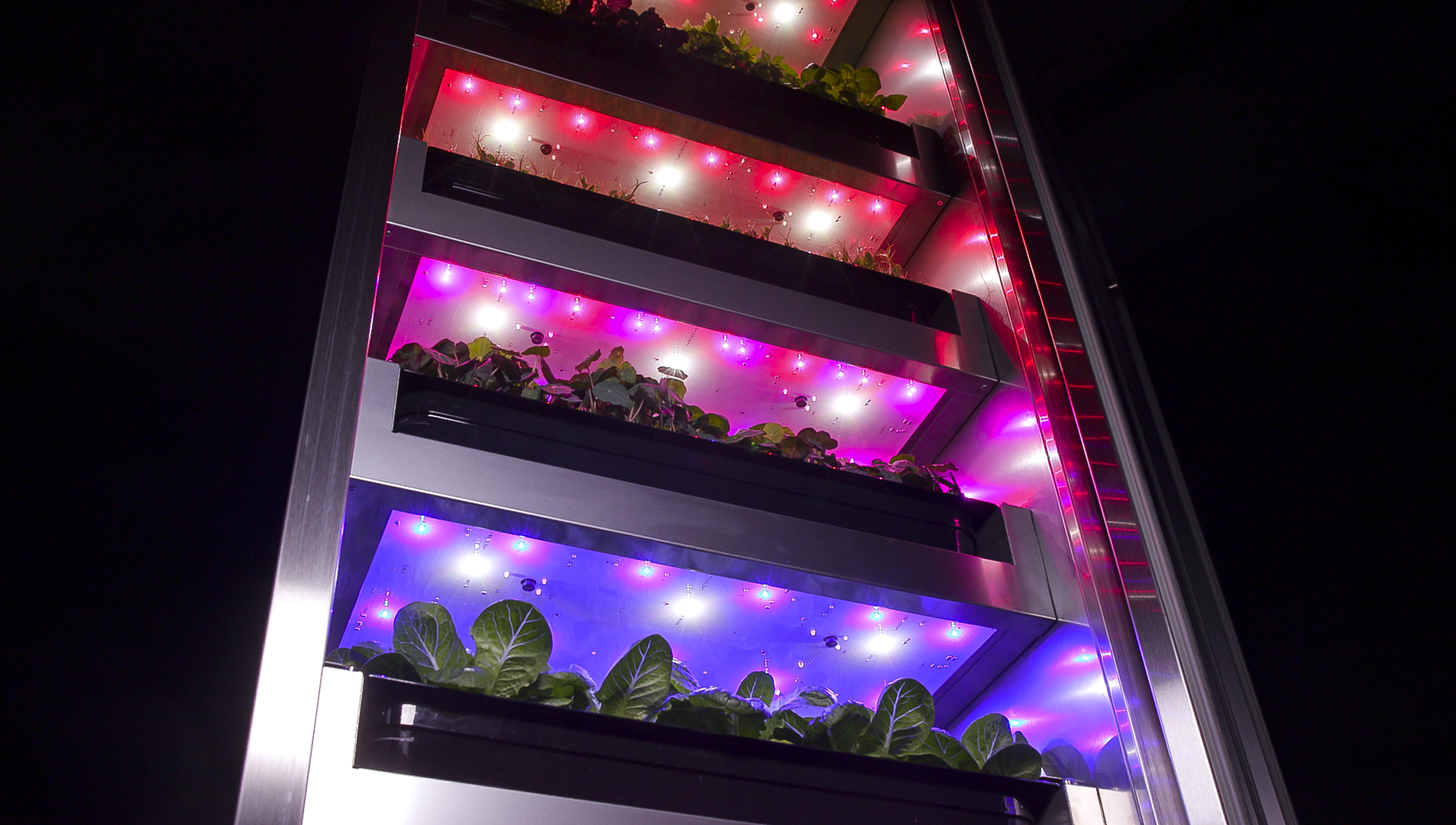
We see this featuring at the ‘bottom of the sales funnel’.  This acts as the final decision maker, generating those valuable conversions. Case studies act as rich format testimonials and can be incredibly useful when it comes to the final conversion and winning significant contracts. 

Case Studies involve location filming together with interviews and B-Roll footage, adding context.

Typical costs range from £2500 — £6000 (dependent upon expectation)

These fall into the following basic marketing models: AIDA (Attention, Interest, Desire, Action).  Content created can then be used in DRIP marketing and can be seeded through content rich methods such as blogs.  Additionally they can be used in all other forms of communication that act as a reminder.
How To 

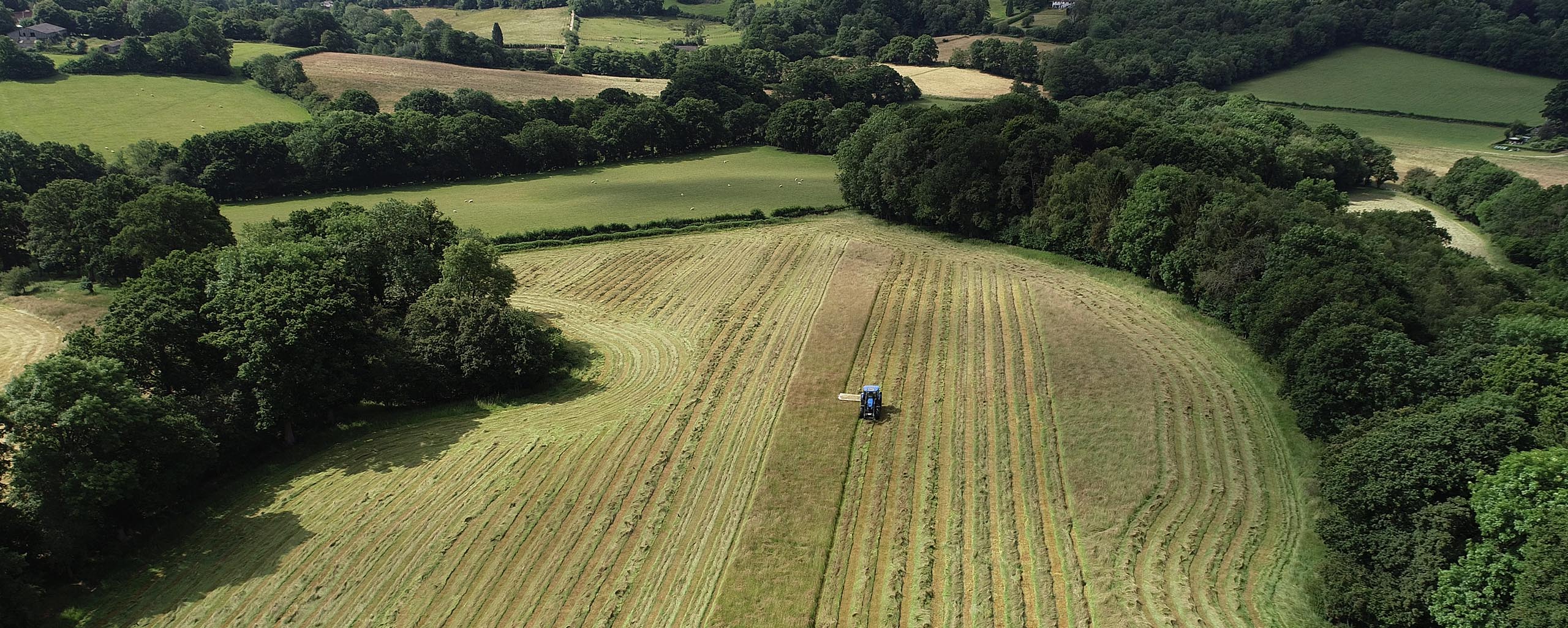
These can be incredibly important, factual and can involve not just video but motion graphics and additional graphics related to the product or service. 

Costs depend upon what’s involved.  A simple demonstration can be £800-£1000.  More complex videos will be relative to how many days are spent.  It maybe that a series needs creating. 

Typical costs range from £800 — £2000
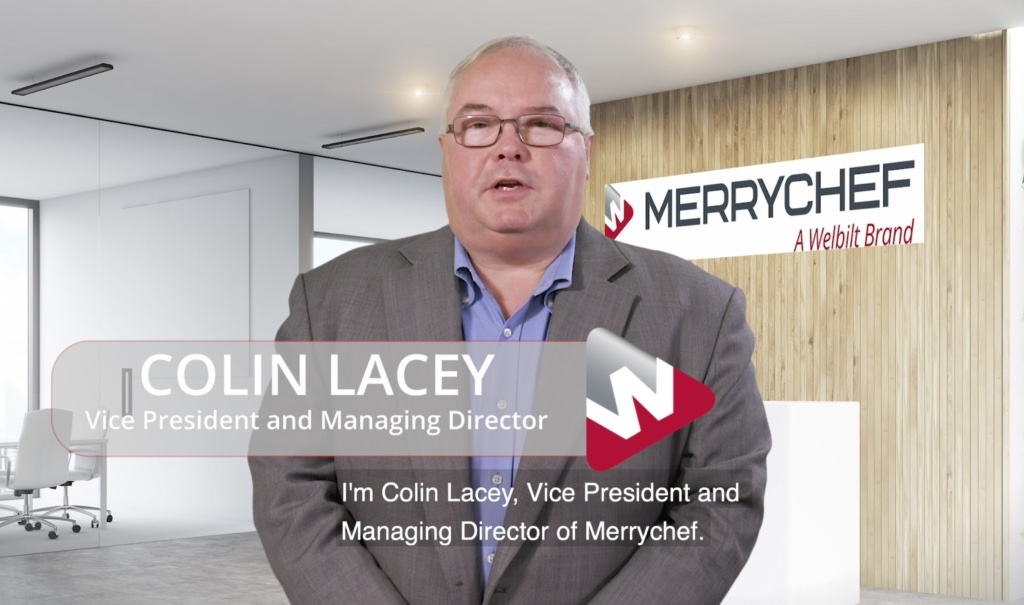
Welbilt Merrychef

Pre-records 

These have been a critical tool during the various lockdowns and the inability for teams to meet and to visit clients.  They have been a lifeline for business whether it is has been generated through Microsoft Teams and or Zoom.  Clients can provide bumpers or we create them.  They are being used in a variety of ways such as blog posts of case studies.  We believe that they’re here to stay as its’s been a way of connecting and sharing information potentially more quickly. 

Editing Costs £300-£600

Events & Conferences 

Traditionally video captured at events and conferences are used in a multitude of ways.  It’s a great way to showcase products and achieves brand awareness and presence. Capturing video footage of stands, keynote speakers, panels, and interviews can be used afterwards in marketing content for website and blogs.

Typical costs range from £1500 — £3000
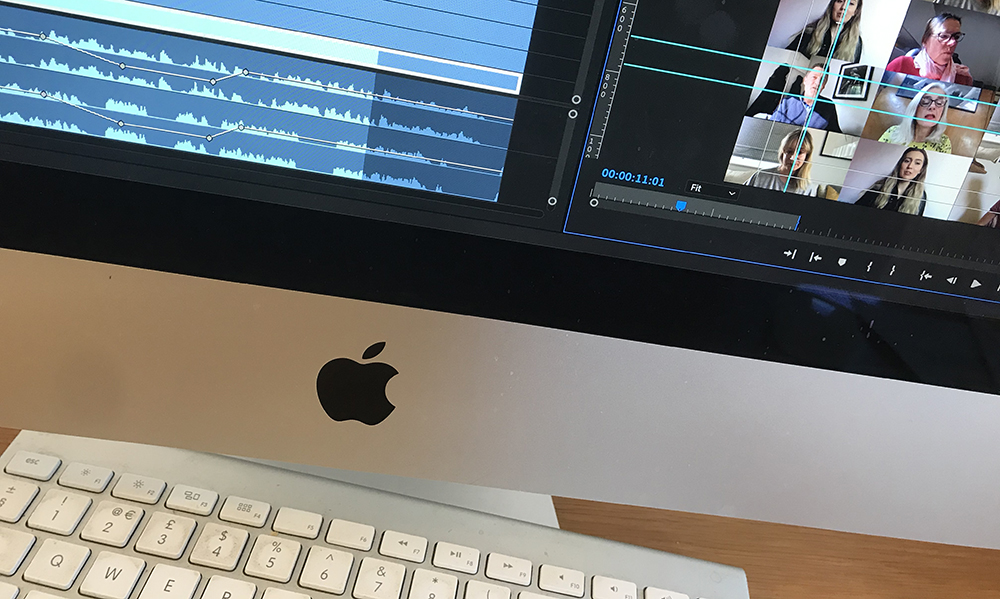
Zoom on Computer

Zoom – Prepare for your Zoom interview

By Blog, How to

TIPS TO HELP

 ‘Present yourself as you want to be seen.’

  • Present yourself as you want to be seen  Even if you are working from home. Even if you are working from home, avoid the t-shirts and the bad hair day. If it’s been recorded you may have to live with the image for some time to come.
  • Talking to the camera  If you are presenting, always keep eye contact with the camera. Your audience is watching. If your eyes wander around the room you, stop engaging with your viewer and they will wander around your room.
  • Stay on script  If you have written a piece that you intend to present, then have it on screen just below the camera. Do not print it out or put on to another screen.
  • Be Prepared  Read the script through a couple of times before you do your presentation. You don’t want to appear to be reading from a script.
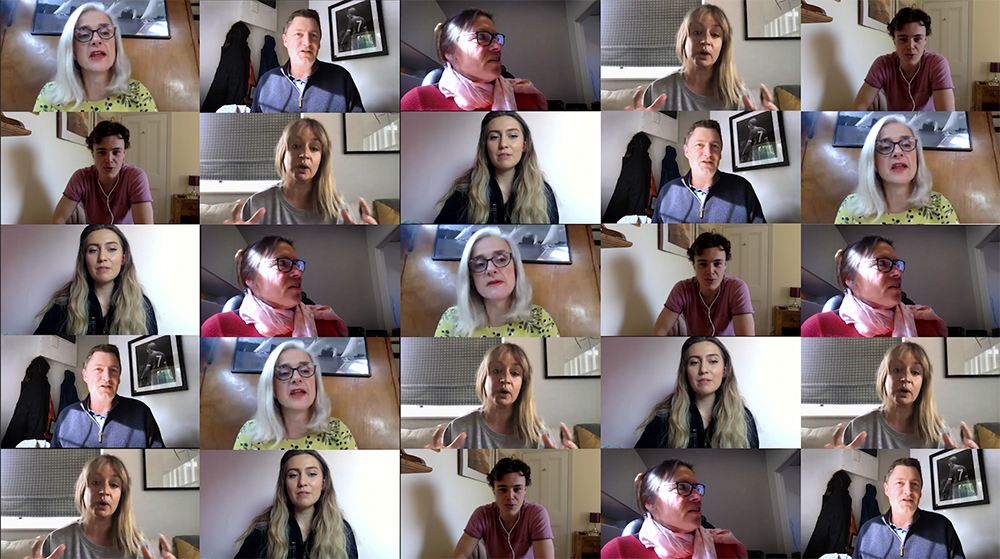
Zoom Grid

Zoom Grid

THE BACKGROUND

  • The background should be fairly simple and uncluttered.
  • If you want your bookcase, tidy it up.
  • Turn your computer camera on and check the view of the room.
  • Untidy book shelves or lots of coats on doors doesn’t look great.  So spend a little time smartening the background up. Maybe hang a picture if you have a blank wall that is fairly innocuous (see the different examples).

THE TECHNICAL STUFF

  • Obvious but true  Ensure you have a good internet connection. Help yourself by setting up as close to the router as possible. If you can hardwire your computer (ethernet cable) into your router, this always helps and avoids those pesky WIFI issues.
  • Kick the kids off!  When you are online try and make sure that you have few devices on the internet as possible. Some routers will prioritise devices, it might not be the one you are using.
  • Conduct your interview on the computer Do your interview on your computer, not a mobile device and set the angle of the camera to have your whole head in frame. But make sure it’s not looking up your nose!
  • Lighting This is important. Do not have a window or lamp/ lightbulb behind you. The camera will adjust for the light and you will be a silhouette. A much better idea is to put a diffused light behind the camera or even bounce it off the wall behind the camera.

QUICK REMINDER

  • Present yourself well
  • Look at the camera when talking
  • If you are reading, try to look natural
  • Make sure the background is tidy
  • Be as close to the router as possible
  • Use an ethernet cable if possible
  • Make sure your head is fully in shot
  • No lighting behind you
  • Plenty of diffused lighting behind the camera


Filming Eyes, how to film eyes

By Blog, How to

Filming Eyes

The filming of a person’s eyes would appear simple and straightforward, however, this is not the case. When you see TV Adverts like the one below by Vision Express, a simple 5-10 second clip is actually quite complicated.

If you are looking to try to create a similar effect, then take a look at our 5 Tips:

1. Lighting 

The first element of creating the shot is ensuring you’re using the correct lighting. This is key and will have a huge influence on the end results. The main aim is to ensure you have constant lighting. Daylight is good, but how can you necessarily keep it constant during your filming period? For constant lighting, we would suggest either tungsten or LED light panels. For our latest project, the latter was our lighting choice, although don’t forget how harsh those lights can sometimes be! (we will examine lighting in a later Blog)

2. Model

This is another key part of the process and success. You need to select your model carefully and for them to be relevant to your target audience. Then, depending upon the video you’re producing as to whether hair and make-up are required. This can vastly change the outcome of your shot and can be a real headache if not dealt with properly at the time. Remember the devil is in the detail.

3. Camera

You could acquire the most expensive camera for filming. In this instance, however, this isn’t necessary and depending upon your budget and the end result required, you can select from a range of cameras. The TV advert shown above would have used very expensive equipment, lighting and post-production. We selected a 5D Mark IV for the results we required.

4. Post-Production

We use Adobe After Effects and Adobe Premiere Pro for our post-production work. We find that After Effects allows you to create smoother transitions than Premiere. For example, in the case of our eye clip, we imported into After Effects and create the movement via keyframes. Then creating an easy ‘in and out’ we start zooming into the eye slowly and gradually build in speed as we near the pupil’s iris. Once this is complete we add this to our Premiere Pro timeline and overlay any text, audio or voice over that we might want to add. We used a basic template and added our content to create this blog piece.


5. The Brief/Result 

Ensure the brief is interpreted and understood in relation to outcomes whether it be style, effects etc.

There you have it, 5 simple tips to be aware of when you film an eye clip.  Be sure to follow us for more technical, portfolio and projects.

Check out our latest Video Projects

Showreel


Case Study (005) Vodka Martini Cocktail

By Blog, How to

Client: Spa Communications / Schneider Electric

Objective: Produce a video that was a key communications element within a bespoke Christmas corporate gift, for Schneider Electric.

Location: Grow 40, a popular cocktail bar in Brighton, featuring a professional mixologist, Steve Pineau.

Style of Video:

  •  Target Audience: 100 decision makers within the data centre industry.
  •  To film the making of a perfect Vodka Martini, using a ‘how to’ style.
  •  The creative involved producing an engaging and stylish James Bond feel, with pace and carefully selected music.

 Content, the storyline . . .


Booze is an easy choice as a corporate gift, but in this case the agency wanted to do something standout. In addition to providing the ingredients for a perfect Vodka Martini using locally sourced Vodka and Vermouth, we were invited to add value by showing customers and journalists how to mix one. Limewood added value, not only with our creative input into the look and feel of the video, but also by using our own connections to find an eye-catching location and an excellent mixologist. The video film was delivered on a USB stick and included within a personalised gift box, using corporate branding and colour ways to great effect.

Outcome:

Positive feedback was directly published and shared on Twitter by happy and impressed recipients of the gift.

GET IN TOUCH
AND GET TO KNOW US
Your Information will never be shared with any third party.
Please enter your email address below to view our rate card
TO VIEW OUR RATE CARD
Please enter your email address below
  We hate spam and never share your details.